



How to Rank #1 on Google Maps for Your Home Service Business
How to Rank #1 on Google Maps for Your Home Service Business
If you run a home service business and your phone isn't ringing consistently, there's a 90% chance the answer is right here: you're invisible on Google Maps.
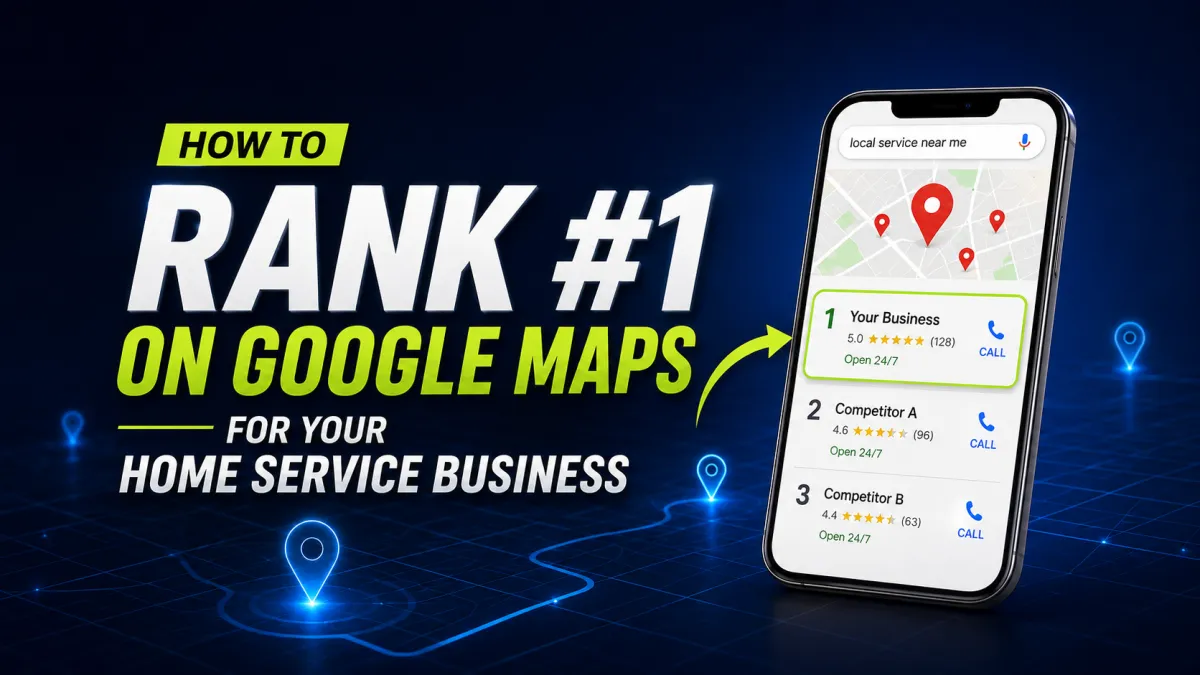
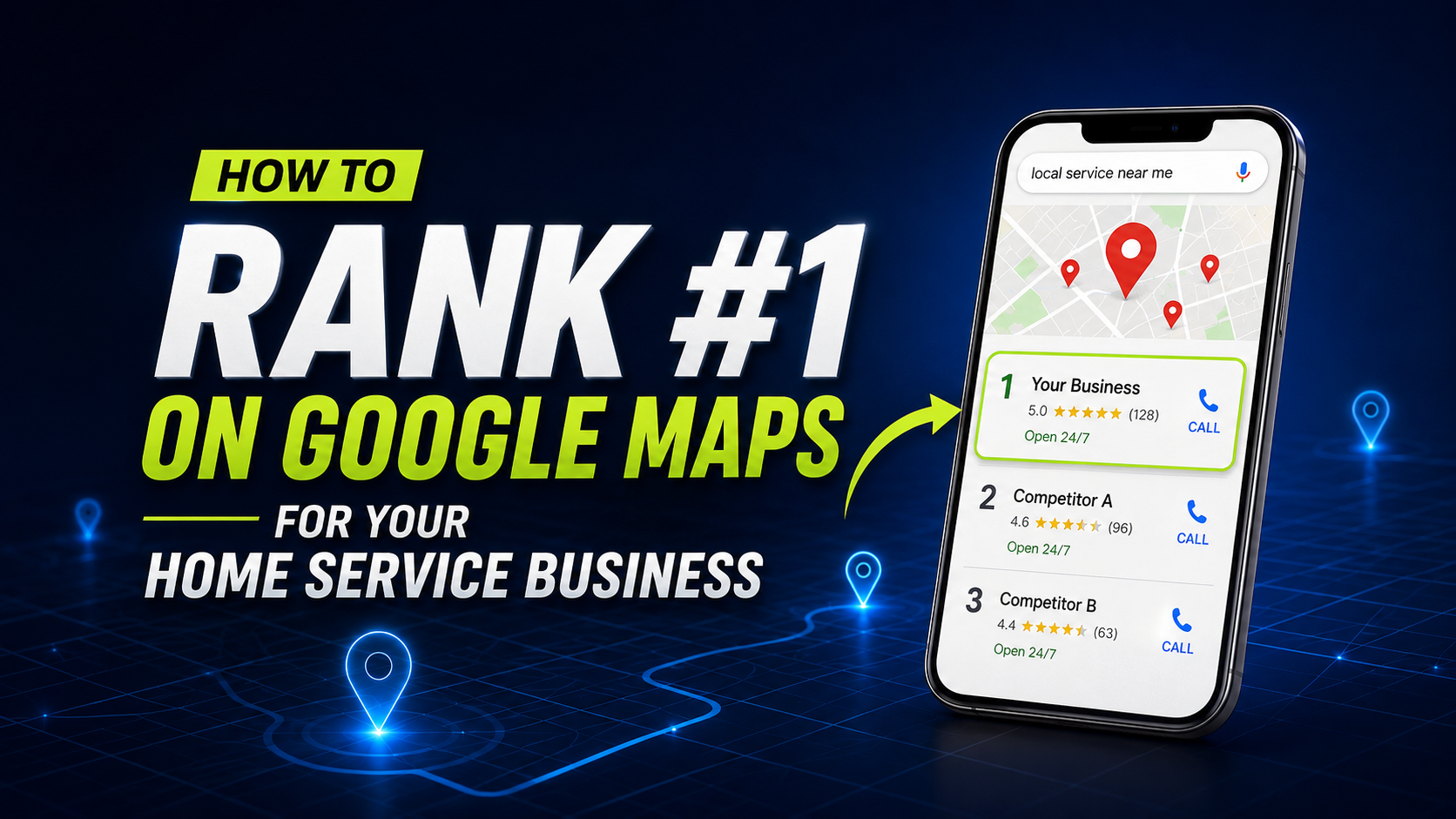
Think about what happens when someone's fence gets damaged, their basement floods, or they need a generator installed before hurricane season. They grab their phone and search. Google shows them a map. Three businesses appear. They call one of the top three. If you're not in those three spots — you don't exist to that customer.
The good news: ranking #1 on Google Maps is not reserved for the biggest companies or the ones who've been around the longest. It's a system. And once you understand how it works, you can outrank competitors who have been in business for decades — in as little as 60 to 90 days.
In this post you'll learn exactly how Google Maps rankings work, the specific factors that determine who shows up in the top 3, and a step-by-step process to get your home service business to the top of the map pack and keep it there.
1. Why Google Maps Rankings Matter More Than Your Website
Before getting into the how, it's worth understanding why this matters so much for home service businesses specifically.
When someone searches for a home service near them, 'water damage restoration near me', 'fence installation company', 'generator installer', Google shows three things above all organic website results: a map and three business listings. This is called the Local 3-Pack or Map Pack. Studies consistently show that the businesses in these three spots receive over 70% of all clicks from that search. Everyone below them gets the scraps.
Your website ranking on page one of regular Google search results matters. But the map pack sits above all of it. It's the most valuable real estate in local search, and most home service businesses have no strategy for getting there.
Here's the other thing worth knowing: Google Maps results are separate from regular search results. You can have a perfectly optimized website and still not appear in the map pack. The map pack has its own ranking algorithm. Which means you need a separate strategy, and that's exactly what this post covers.
2. How Google Decides Who Ranks #1 on Google Maps
Google uses three primary factors to determine Google Maps rankings. Understanding all three is essential because improving just one while ignoring the others won't get you to the top.
Factor 1: Relevance
Relevance means how well your Google Business Profile matches what someone is searching for. If someone searches 'impact window installation' and your profile is set up as a general contractor with no mention of impact windows, Google won't show you — even if you're 2 miles away.
Relevance is determined by: the business categories you've selected, the services you've listed, the keywords in your business description, and the content on your website. Every one of these needs to match the searches you want to appear for.
Factor 2: Distance
Distance refers to how close your business location is to the person searching, or to the location they specified in their search. This factor is partially outside your control — if your shop is in Miami and someone searches in Naples, you're fighting uphill.
However, distance doesn't always mean physical proximity. For service-area businesses (businesses that go to the customer), Google lets you set a service area instead of a physical address. Setting your service area correctly ensures you appear in searches across all the areas you actually serve, not just your immediate neighborhood.
Factor 3: Prominence
Prominence is how well-known and trusted Google considers your business to be. This is determined by: the number and quality of your Google reviews, how often people click on your listing, how complete and active your Google Business Profile is, and how many other websites mention or link to your business.
Prominence is the factor most businesses neglect — and it's the one that separates a business ranking #1 from one ranking #7. More reviews, more activity on your profile, more mentions around the web, and higher prominence score.
3. How to Rank #1 on Google Maps for Your Home Service Business (Step By Step)
Here is the exact process, in order, that moves a home service business from invisible on Google Maps to ranking in the top 3.
Step 1: Claim and Verify Your Google Business Profile
Go to business.google.com. Search for your business. If it exists, claim it. If not, create it from scratch. Google will send a verification postcard to your business address with a PIN — or in some cases you can verify by phone or email. Complete verification before doing anything else. An unverified profile won't rank.
If you already have a claimed profile, log in and check that you are the owner (not just a manager). Owner access gives you full control over all settings.
Step 2: Choose the Right Business Categories
Your primary category is the single most important relevance signal in your entire profile. It tells Google the core type of business you are. Be as specific as possible — not just 'Contractor' but 'Water Damage Restoration Service' or 'Fence Contractor' or 'Generator Installation Service'.
You can also add secondary categories. For example, a restoration company might have: Water Damage Restoration Service (primary), Fire Damage Restoration Service (secondary), Mold Remediation Service (secondary). Add every relevant category that accurately describes your services. Each secondary category helps you appear in additional searches.
How to find the right categories: start typing your service in the category search field in GBP — Google will suggest official categories. Pick the most specific accurate match. Don't pick categories just because they sound good — only select ones that genuinely describe what you do.
Step 3: Fill Out Every Single Field in Your Profile
Google rewards complete profiles. A profile with every field filled in outranks an incomplete one, all else being equal. Go through every section:
Business name — exactly as your business is legally registered. No keyword stuffing in the name (Google penalizes this).
Address or service area — if you go to customers, set a service area instead of a physical address. Set your full service area including every city you serve.
Phone number — use a local number if possible, not a toll-free number.
Website — link to your website homepage or the most relevant landing page.
Hours — set accurate hours including special hours for holidays.
Description — 750 characters to describe your business. Include your primary service keywords naturally. Mention your service area. Include a soft call to action.
Services — list every individual service you offer. This is a major relevance signal. Don't just list 'Water Damage Restoration' — break it down: Water Extraction, Structural Drying, Sewage Cleanup, Flood Damage Repair, Emergency Water Removal.
Attributes — additional business characteristics. Accept credit cards? Open on weekends? Free estimates? Set all relevant attributes.
Photos — minimum 10 photos. Include: exterior of business or truck, team photos, before and after of completed jobs, equipment, your logo. Businesses with more photos get significantly more clicks.
Step 4: Write a Keyword-Rich Business Description
Your business description is 750 characters and it's a major relevance signal. Write it to include your primary service keywords naturally — not stuffed, but naturally woven in. Here's a template:
[Business Name] is a licensed and insured [primary service] company serving [cities/region]. We specialize in [service 1], [service 2], and [service 3] for residential and commercial clients. With [X] years of experience, our team responds [timeframe] and delivers [key benefit]. We serve [list key cities]. Call us today for a free estimate or inspection.
Step 5: Add Google Posts Every Week
Google Posts are short updates that appear directly on your Google Business Profile. Most businesses never use them. That's your advantage. Posting consistently signals to Google that your business is active, which improves your prominence score and ranking.
Post at minimum twice per week. Each post should be 150-300 words, include a photo, and end with a call to action button linking to your website or booking page. Rotate through these post types:
What's New: share a tip, an insight, a common problem you solve
Offer: promote a free estimate, seasonal promotion, or discount
Update: share a recent job completion, milestone, or team news
The posts expire after 7 days so consistent publishing keeps your profile fresh and active.
Step 6: Build Your Google Reviews — This Is the Most Important Step
Of all the factors that move your Google Maps ranking, reviews are the most powerful and the most neglected. Businesses with 50+ reviews consistently outrank businesses with fewer reviews, even when everything else is equal. Reviews affect both your prominence score and your click-through rate — people see more reviews and are more likely to click.
The number is not all that matters. Google also looks at:
Recency — businesses getting new reviews consistently outrank those with old reviews even if the old ones have more total
Response rate — businesses that respond to every review rank higher than those that don't respond at all
Review content — reviews that mention your service keywords (like 'they did an amazing job with our water damage restoration') carry more ranking weight
How to get more reviews consistently:
Ask every customer at the end of every job — in person, verbally, while they're happy
Send a text within 2 hours of job completion: 'Hey [Name], glad we could help today. If you have 30 seconds, a Google review would mean the world to us — here's the link: [direct review link]'
Set up an automated review request in your CRM so it happens automatically after every job is marked complete — no manual effort required
Get your direct review link: go to business.google.com → Get more reviews → copy the link. Put this link everywhere — in texts, emails, your email signature, on your invoice
Respond to every single review. Good ones: thank them, mention the service, keep it genuine. Bad ones: stay professional, acknowledge the concern, offer to resolve it offline. Responding shows Google and potential customers that you're an active, engaged business.
Step 7: Keep Your NAP Consistent Everywhere
NAP stands for Name, Address, Phone number. Google cross-references your business information across dozens of directories, websites, and data sources. If your name is spelled differently on Yelp than on your GBP, or your phone number on your website doesn't match your GBP, Google gets confused and your rankings suffer.
Audit every place your business is listed online and make sure the name, address, and phone number are identical everywhere. Key places to check: your website, Yelp, Facebook, BBB, HomeAdvisor, Angi, Houzz, Yellow Pages, Apple Maps, Bing Places.
Then get listed on every major directory you're not already on. Each listing is a mention of your business that improves your prominence score. Free directories to list on: Yelp, BBB, Houzz, Angi, Thumbtack, Facebook Business, Apple Maps Connect, Bing Places for Business.
Step 8: Connect Your Website to Your GBP — and Optimize It
Your website and your Google Business Profile work together. Google looks at your website to validate and reinforce the information in your GBP. A well-optimized website strengthens your map pack ranking.
Make sure your website has:
Your business name, address, and phone number in the footer of every page — exactly matching your GBP
A dedicated page for every service you offer — not just one generic 'Services' page but individual pages for Water Extraction, Structural Drying, Mold Remediation, etc.
Location pages if you serve multiple cities — one page per major city or service area
Schema markup — this is code that tells Google exactly what type of business you are, where you're located, and what you do. Add LocalBusiness schema to your homepage.
Fast load speed — check your score at pagespeed.web.dev. Google uses page speed as a ranking factor.
4. How Long Does It Take to Rank #1 on Google Maps?
This is the most common question — and the honest answer depends on how competitive your market is and how consistently you execute the steps above.
Week 1–2: Profile fully optimized, verified, all fields complete. Google begins crawling and re-indexing.
Week 3–4: Impressions start increasing in Google Search Console. Profile begins appearing for more searches.
Month 2: Rankings improve for less competitive keywords. Reviews starting to accumulate if you're asking consistently.
Month 3: Meaningful ranking improvements for primary keywords. Consistent posts and reviews compound.
Month 4–6: Top 3 ranking achievable for most home service businesses in mid-size markets. Top 1 for less competitive niches.
Month 6–12: Dominant ranking maintained. Competitors trying to catch up — your head start compounds.
The businesses that don't see results are the ones that do a one-time optimization and then stop. They fix their profile once and never post again. Never respond to reviews. Never add new photos. Google treats inactive profiles as less relevant over time. Consistency is what separates a business that dominates the map pack from one that drifts off it.
5. The Most Common Google Maps Ranking Mistakes Home Service Businesses Make
Keyword stuffing in the business name: adding keywords like 'Best Miami Roofer | Roofing Company' to your business name violates Google's guidelines and can get your listing suspended
Ignoring reviews: never asking for them, never responding to them, and wondering why a competitor with fewer years in business is outranking you
Wrong primary category: being listed as 'Contractor' instead of the specific service type means you miss most relevant searches
Inconsistent NAP: different phone numbers or address formats across different websites confuses Google and hurts rankings
No photos or outdated photos: profiles with 10+ recent photos get dramatically more clicks and higher rankings than those with no photos
Never posting: a profile with no activity looks abandoned to Google. Post at least twice a week.
Not setting service areas correctly: if you serve 10 cities but only your address city is set, you're invisible to 90% of your potential customers
6. The Most Frequently Asked Questions About Ranking On Google
Do I need a physical address to rank on Google Maps?
No. If you're a service-area business that goes to your customers rather than having customers come to you, you can hide your physical address and set a service area instead. Google will rank you in the map pack for searches within your defined service area. This is the correct setup for most home service businesses including roofing, HVAC, restoration, landscaping, and similar trades.
How many Google reviews do I need to rank in the top 3?
There's no magic number — it depends on your competition. In most home service niches and markets, businesses with 25 to 50 reviews are competitive for the top 3. In highly competitive markets like roofing in Miami, the top businesses may have 200 or more. The key is to have more recent reviews than your direct competitors and to respond to every single one. Quantity matters but recency and response rate matter almost as much.
Can I rank on Google Maps without a website?
Technically yes, but you're significantly limiting your ranking potential. Your website is one of the strongest relevance signals Google uses when determining your map pack ranking. Businesses with well-optimized websites consistently outrank those without one, all else being equal. If you don't have a website, getting a basic one live should be a priority alongside your GBP optimization.
How do I show up in Google Maps for multiple cities?
Set your service area in GBP to include every city you serve. Beyond that, create individual location pages on your website for each major city — for example 'Water Damage Restoration in Fort Lauderdale' and 'Water Damage Restoration in Naples.' These pages, when linked from your GBP website field, help Google understand that you're relevant and active in those areas. Getting reviews that mention those specific cities also helps.
Is it possible to rank #1 on Google Maps without running Google Ads?
Yes — Google Maps rankings are completely separate from Google Ads. The map pack is organic — you can't pay to get into it. The businesses that appear there earned those spots through profile optimization, reviews, and consistent activity. Google Ads show up above the map pack as separate sponsored listings. Both are valuable but they're independent of each other.
7. The Bottom Line
Ranking #1 on Google Maps for your home service business is not complicated — but it does require a complete, consistent approach. Most businesses fail because they do two or three things from this list and skip the rest. They set up their profile once and never touch it again. They get five reviews and stop asking.
The businesses that dominate the local map pack treat it like a system: profile fully optimized, reviews coming in consistently, posts published every week, website reinforcing everything. When all of these work together, the ranking compounds. Getting more clicks leads to more calls. More jobs leads to more reviews. More reviews leads to higher ranking. Higher ranking leads to more clicks. That's the flywheel.
Start with the highest-impact actions first: verify your profile, set the right primary category, fill in every field, and send your first review request text today. Those four things alone will move your ranking within 30 days.
Want Us To Do This For Your Business?
Book a free Google presence audit. We'll pull up your Google Business Profile, show you exactly where you rank vs your top competitors, and map out precisely what needs to change to get you into the top 3.
Book your free audit here: https://www.flywheelify.com/consult